Cool Creator
Brand kit
Our logo, colours and type, in one download. Use them when you write about us or work with us.
ZIP, 1.9 MB. Logos (SVG, PNG), colours, fonts and the guidelines PDF.
Name
Cool Creator. Two words, singular.
Same as our domain, coolcreator.xyz. Capital C on both words, everywhere: the website, reels, invoices and social bios.
- Cool Creator
- Cool Creators
- CoolCreator
- cool creator





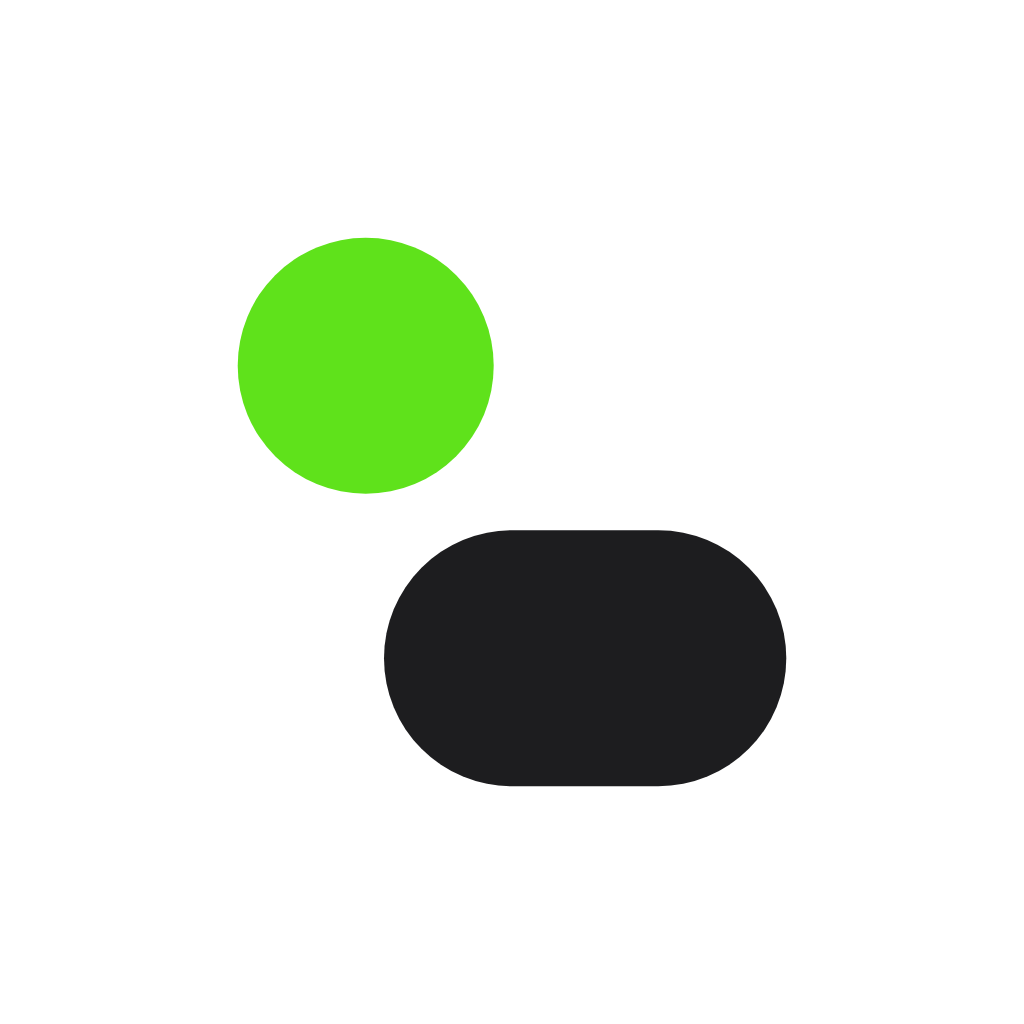

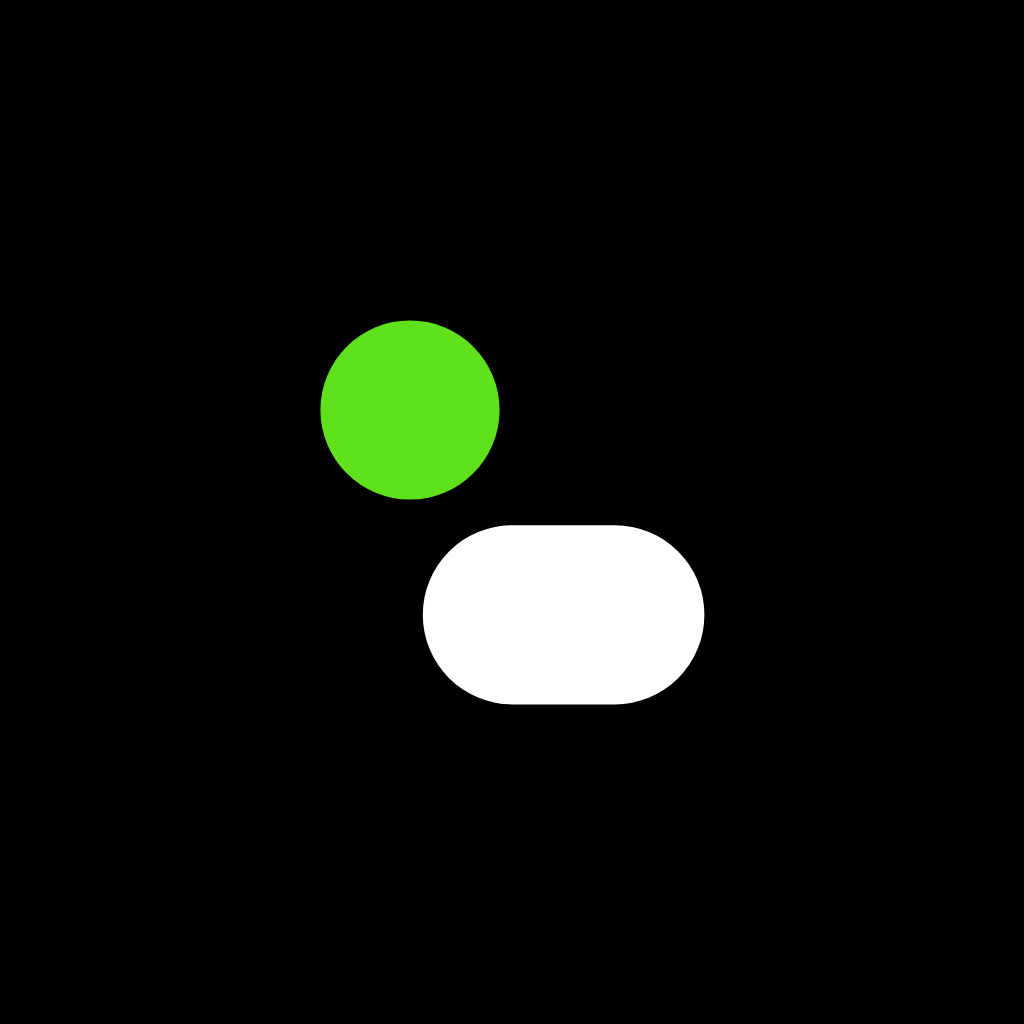
Colour
Black and white. Then one loud green.
Parrot green is the only accent. Use it for the one thing on a screen you want people to press or notice. Tap a value to copy it.
Parrot
Primary. Buttons, highlights, the logo dot. Black text on top.
RGB 95 226 27
Leaf
Green text and links on white. Parrot is too light for text.
Ink
Headlines, body text, the logo square.
Black
Dark sections, app icon background.
Gray
Secondary text.
Mist
Light section backgrounds and cards.
White
Main background.
Typography
SF Pro on Apple. Inter everywhere else.
SF Pro is Apple's own font, already on every iPhone and Mac, and it is what you are reading if you are on one. Inter looks almost the same and is free for everyone, so it is in the kit for Windows, Android, Canva and print.
Headline
Semibold, tracking −4%
We build it.
Title
Semibold, tracking −2.5%
Then we grow it.
Body
Regular, 17 px, line height 1.5
Websites, apps, automation and AI agents for your business.
Caption
Regular, 13 px
Free first call. A price before any work starts.
Usage
A few simple rules.
Do
- Leave space around the logo, at least the width of the green dot on every side.
- Use the logo on white, Mist, black or a plain photo with enough contrast.
- Keep the mark at least 24 px tall on screens, 8 mm in print.
- Put black text on Parrot green.
Don't
- Change the logo colours, or recolour the green dot.
- Stretch, rotate, outline or add shadows to the logo.
- Use Parrot green for small text on white. Use Leaf instead.
- Write the name as “Cool Creators”, “CoolCreator” or “COOL CREATOR”.